Connect with GLS for parcel labels
API account
With a GLS API account, you can directly print labels in Afosto for shipments via GLS. You will receive an 'API username' and 'password' which you can enter in the integration.
Add GLS App
Go to Apps by clicking on admin.afosto.app, then My organization, and then Apps (on the side)
Under the Shipping tab, click on GLS
Click Add (top right)
Enter the details you received from GLS and click connect

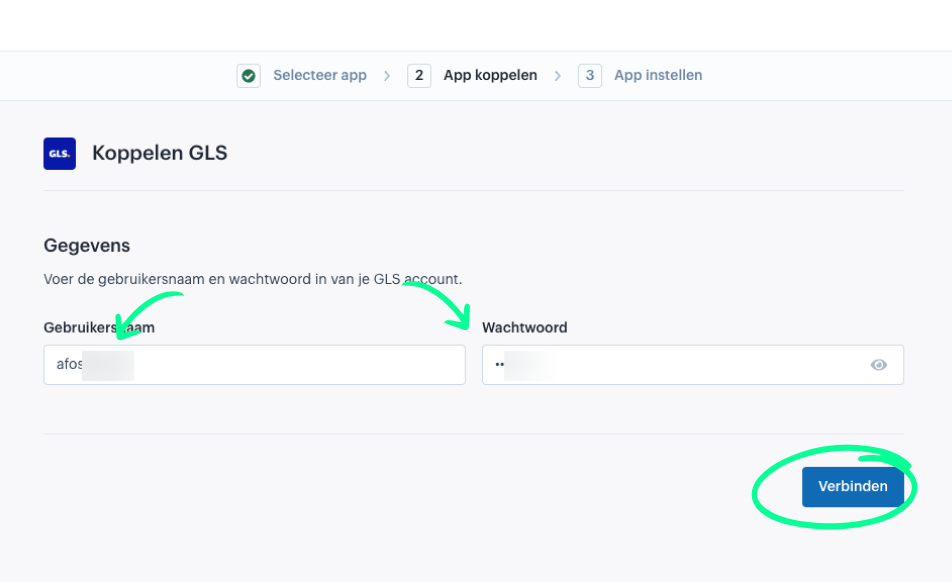
The connection is now tested immediately, and if everything works, you will see the following screen.
- Enter a shipping address (this is the default sender address for this integration)

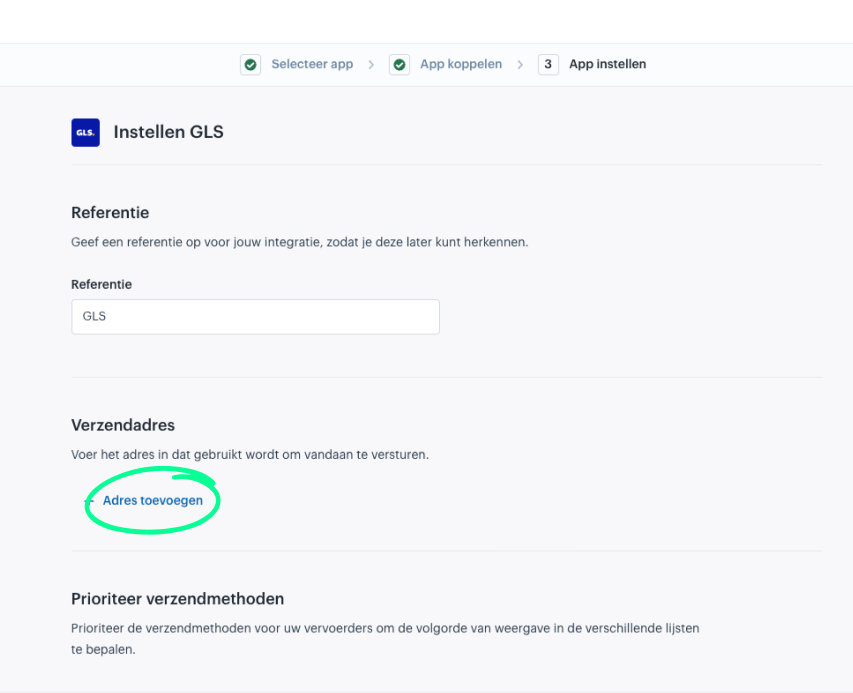
- Enter the address (First name / Last name are optional if you enter a company name)
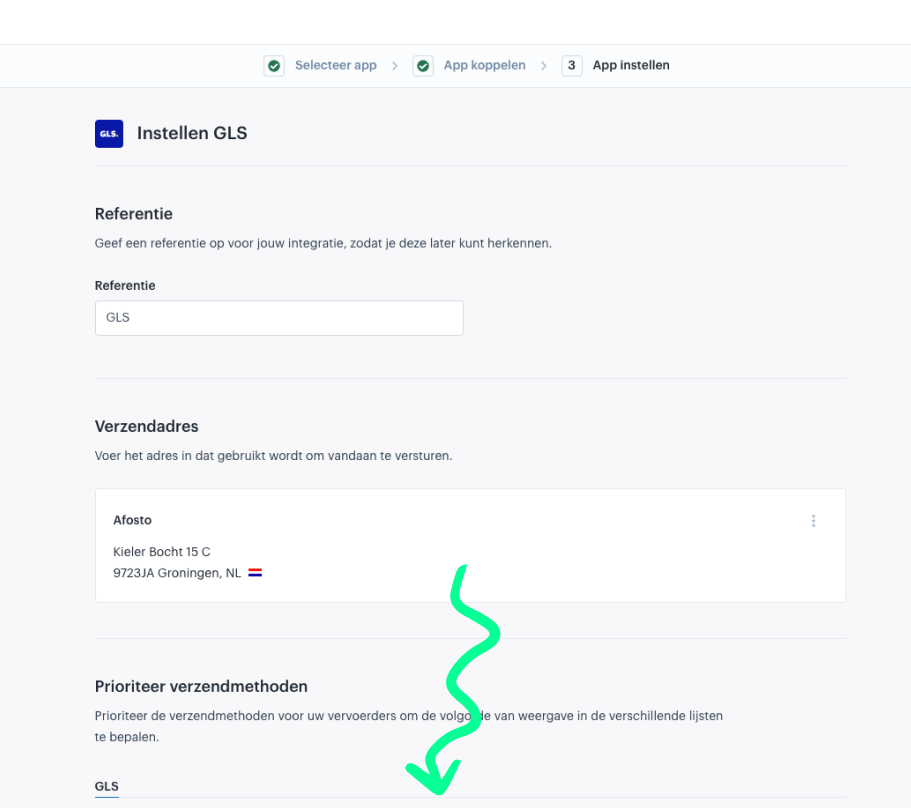
- You can now optionally give the GLS connection a custom reference, a default sender, and finally you can sort the available methods
- Scroll down

- Click on save

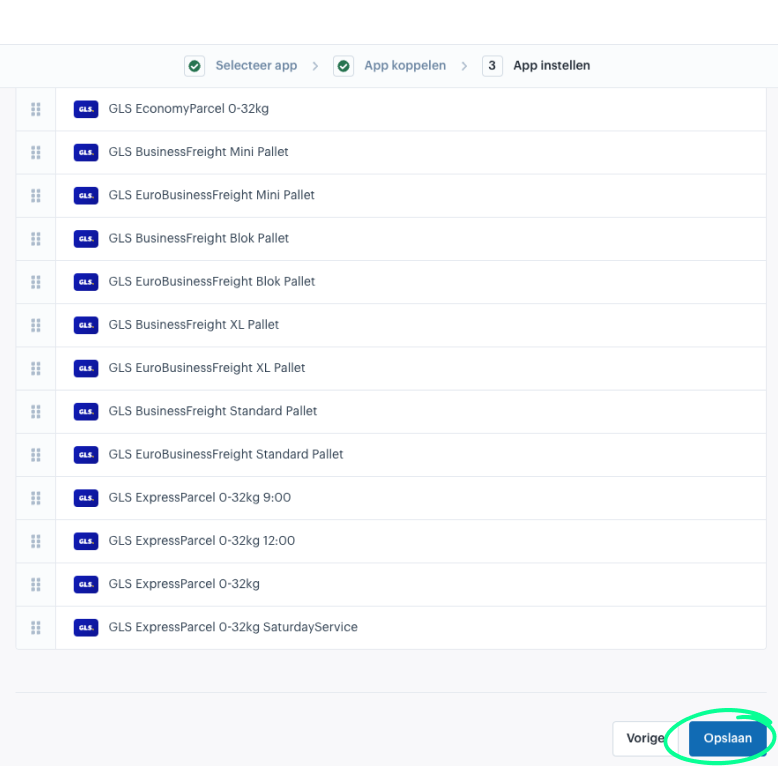
Congratulations, GLS is now available as a shipping provider to link to a shipping method.
On this page